


help



 [/IMG]

Distinquished Guest
Joined: Aug 2003
Posts: 413
From: Old North State
 I Remember This....
Originally Posted by wide z31
how do i post my pics
1. Your photo files must be hosted on the web, thus they will have their very own web address. Go to PhotoBucket.com and upload your photo files to the free account you will set up there.
2. When you succeed with that you will notice that under each thumbnail (smaller version of the pic) there will be four lines of code. These lines are addresses that will work in different venues. The bottom one is IMG Code. Left clicking the mouse while the cursor is placed on this line of IMG Code will automatically save it, complete with necessary brackets, dots, and etc.
3. After you have left clicked on this line of code, come to the forum and right click in your message box. An option box will appear. Select "paste" from the option box. That same line of code will appear to the right of wherever the cursor was resting.
4. Hit the preview button below the message box. The post you are about to make, and, the photo should be on your screen. If they are, and you are happy with the way they look, scroll down and hit the submit button.
Whenever I'm posting pics I usually open two browsers and bounce back and forth between them as I'm copying and pasting. Have fun...




Registered User
Joined: Feb 2007
Posts: 290
From: Winnipeg, Mb, Canada
Originally Posted by NismoPick
Welcome to ZDriver! 
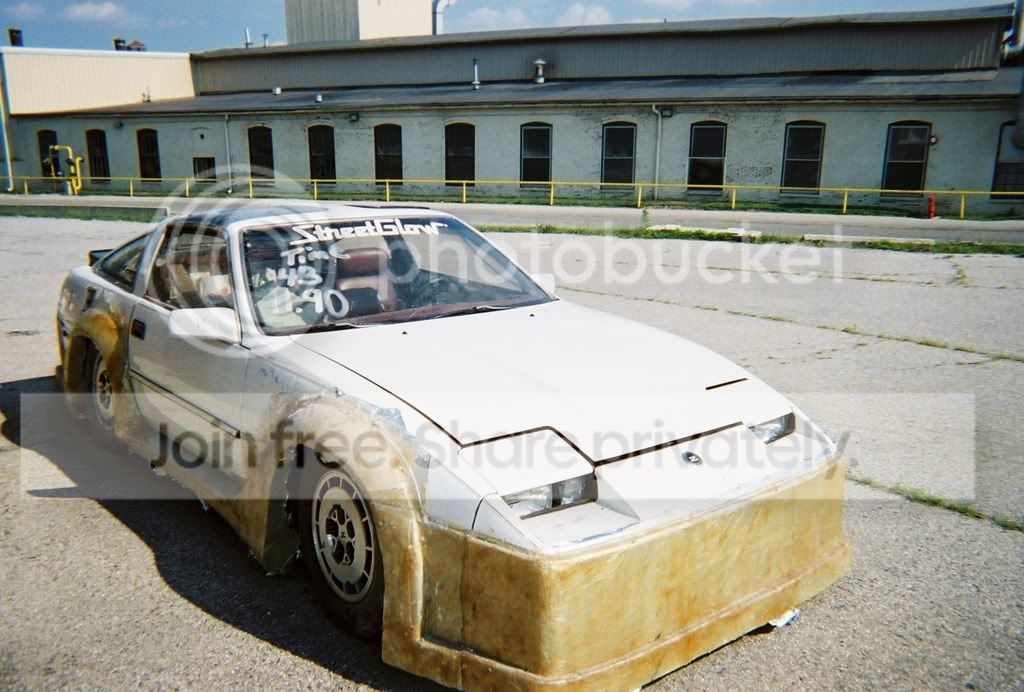
I don't mean to be a downer right off the bat, but since when is it good to block all the air going to the radiator?
I don't mean to be a downer right off the bat, but since when is it good to block all the air going to the radiator?
Duh, it's an electric motor!


